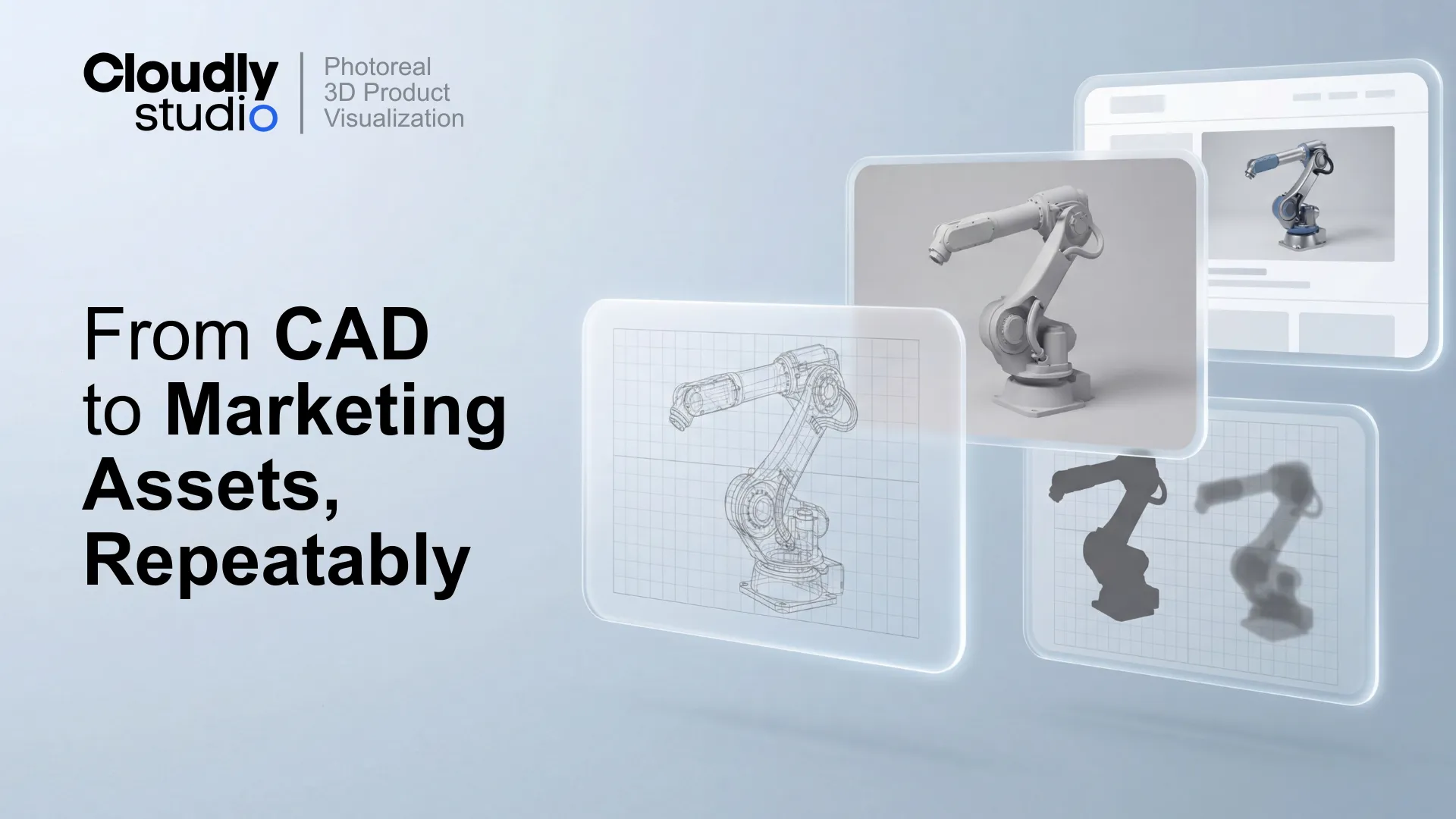
Industrial brands do not need "pretty renders". They need a production system that turns CAD into consistent, shippable marketing assets across dozens or hundreds of SKUs.
This page explains the exact specs, QA gates, and batch-native workflow we use to ship repeatable output.
CAD-to-photoreal product visualization works when it behaves like manufacturing: defined inputs, controlled variation, QA gates, and predictable output packaging. System, not art.
What "CAD-to-photoreal" means for engineering-led brands
For engineering-led brands, "photoreal" is not a style choice. It is a technical promise. CAD-to-photoreal means you can start from engineering geometry and end with marketing-ready images that are:
- Visually consistent across a portfolio (camera, framing, shadow discipline).
- Technically accurate (interfaces, fasteners, ports, labels, finishes).
- Delivered in a format designers can actually use in production.
A single hero render can be "photoreal" and still be useless for a catalog. It might have the wrong angle, the wrong interface variant, or a flattened file that blocks fast updates. In a production context, photoreal is a constraint system. The look must be repeatable, reviewable, and scalable.
Why ad hoc rendering fails at scale
Ad hoc rendering fails for one reason: it treats every SKU as a new project. Catalog reality is different:
- Variants multiply (regions, voltage, accessories, UI language, safety markings).
- Stakeholders expand (product, engineering, compliance, marketing).
- The same view must match across the whole line, not just one product.
Without a system, teams drift into "fix it in the next render" mode. That creates inconsistent visual language and makes future review batches slower , not faster.
Inputs we require (and how we handle incomplete CAD)
Industrial CAD is rarely "render-ready". It is designed to manufacture, not to communicate. We typically ask for:
- Native CAD or neutral formats (STEP, IGES) plus assembly context.
- Drawings or exploded references for intent and hierarchy.
- Reference photos for finishes, decals, and critical details.
- Label assets (vector files) and UI screenshots when relevant.
- A short "variant map" (what changes between models and regions).
Gap-filling is part of the workflow
You should assume gaps. Missing fasteners, simplified cabling, absent decals, or incomplete interface modules are common. Our system treats gap-filling as a controlled step, not a surprise:
- We reconstruct missing details when they affect visual truth.
- We log assumptions and confirm them in the product accuracy pass.
- We standardize replacements (fastener library, cable types, label placements).
Deliverables that designers can actually use
Most bottlenecks happen after the render is "done". If the deliverable is flattened, mislabeled, or inconsistent, your design team loses hours per SKU. Localization becomes painful. Screen swaps become manual. Shadow changes become destructive.
Why layered output matters in real teams
- Localization: Regional packaging, UI language, and compliance labels change. Layer separation makes it a design task, not a 3D task.
- Consistency: Shadows and backgrounds stay disciplined across a portfolio.
- Iteration: Minor fixes do not force a full re-render loop when the image is already approved.
The production system: batch-native QA and reuse
Scaling CAD-to-photoreal is not about faster GPUs. It is about reducing decision-making per SKU. Our production model is batch-native. We build a repeatable baseline, then roll it across a defined set of units.
Batch setup reuse (the real speed lever)
The highest leverage work is done once per product family:
- Camera angle and framing are locked to a view template.
- Lighting is baselined to match your brand and your catalog needs.
- Materials are built as a library, not rebuilt per SKU.
- Output packaging is standardized so every delivery looks the same.
A practical batch sequence
QA that protects both brand and engineering intent
In industrial visualization, QA is not a quick glance. It is a split responsibility with two different goals. "Looks good" and "is correct" are not the same thing.
Aesthetic pass: consistency beats novelty
- Does the camera match the library view?
- Do highlights and reflections sit in a consistent range across SKUs?
- Are shadows the same density and footprint across the catalog?
- Is the product grounded, not floating?
Product accuracy pass: engineering trust
- Correct connectors, ports, and fasteners.
- Correct label placements and safety markings.
- Correct interface variants (language, layout, screen content).
- Correct finishes (paint, plastic, brushed metal, glass).
Proof that a production system ships
In one ongoing pilot for a Swiss global precision-instruments manufacturer with multi-billion annual net sales, we scaled delivery without compromising standards.
Common failure modes (and how to spot them fast)
If you are evaluating a vendor, you can spot most problems in the first 10 files.